
Security Key Bridge
Your card or implant. Your security key.
Your phone becomes a Bluetooth security key for your computer, backed by the authenticator you already carry: an NFC card, a subdermal implant, or a USB security key plugged into the phone.
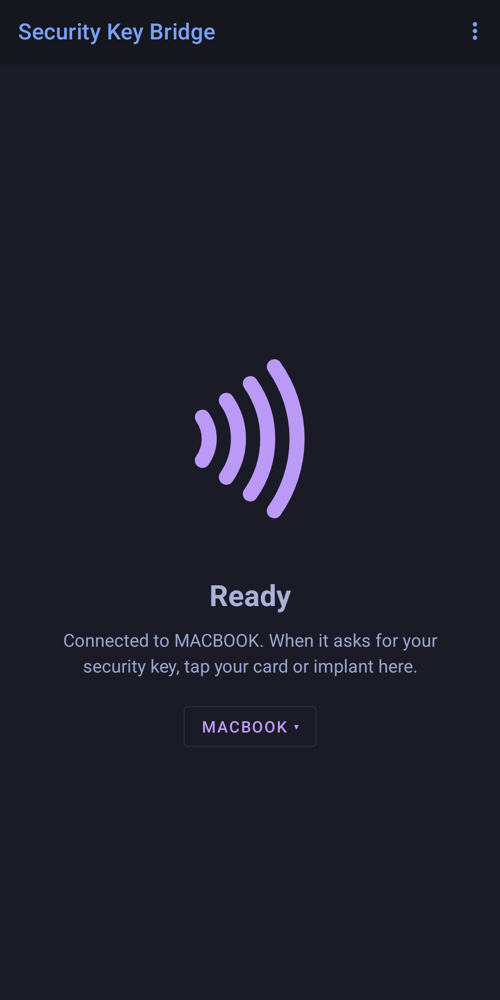
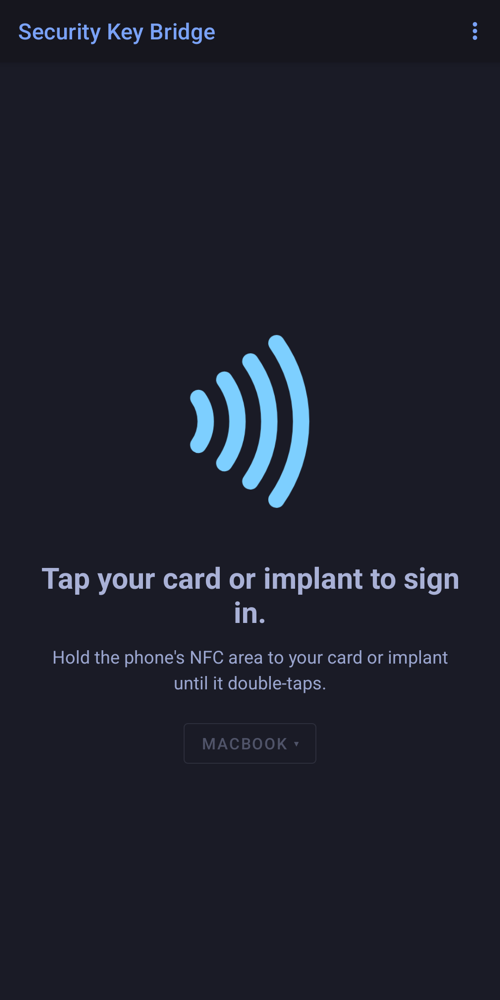
When a website asks for your security key, choose it on the computer, then tap your card or implant to the phone. The phone passes the request to your authenticator and the answer back to the computer. Your passkeys and private keys never leave the card, implant or key.
What it does
- Sign in and register passkeys and security keys on websites, with FIDO2 or the older U2F
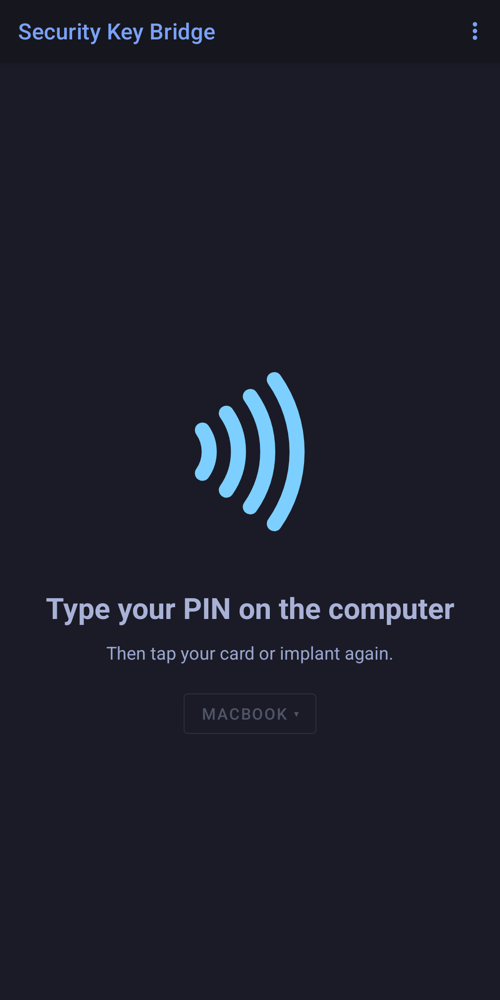
- PIN support: the PIN is encrypted between the computer and your authenticator, so the phone can't read it
- Works with a USB security key plugged into the phone: touch the key when it blinks
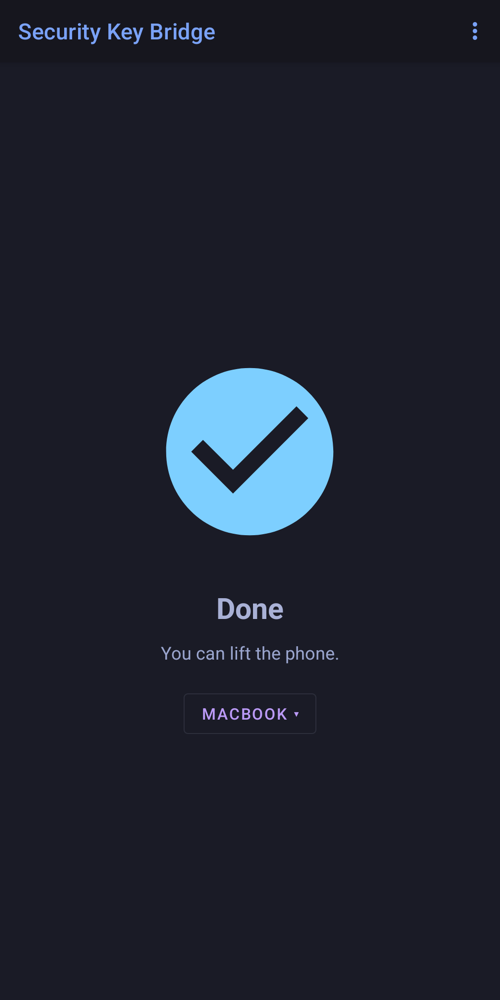
- Pair several computers and move the key between them with one tap
- Keeps running in the background, so the computer can ask at any time
- Clear guidance at every step, by screen, vibration and optional sounds
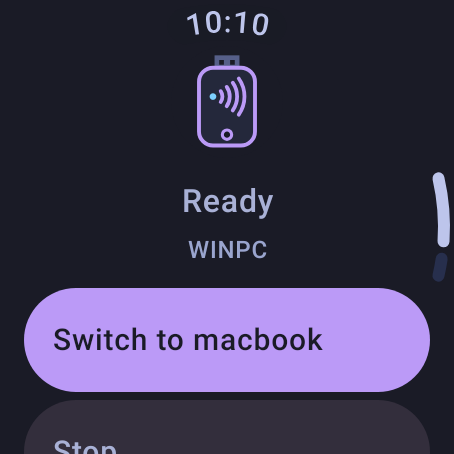
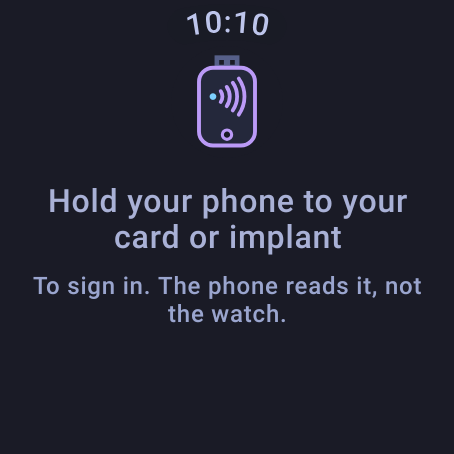
- Wear OS companion: see what to do next on your watch
What you need
- An Android phone with NFC and Bluetooth (Android 13 or later)
- A FIDO2 or U2F authenticator: an NFC card or implant, or a USB security key
- A computer with Bluetooth: Windows, macOS or Linux
On your watch
FIDO2 / U2F compatible. Not FIDO Certified, and not affiliated with the FIDO Alliance.
Privacy: no internet permission, no accounts, no tracking. Read the Security Key Bridge privacy policy. Questions: appsupport@qtco.ms.