
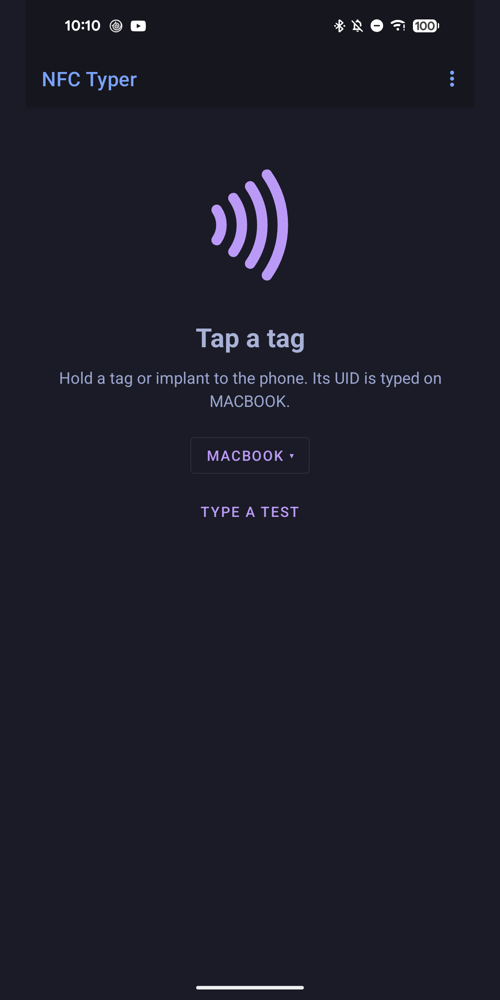
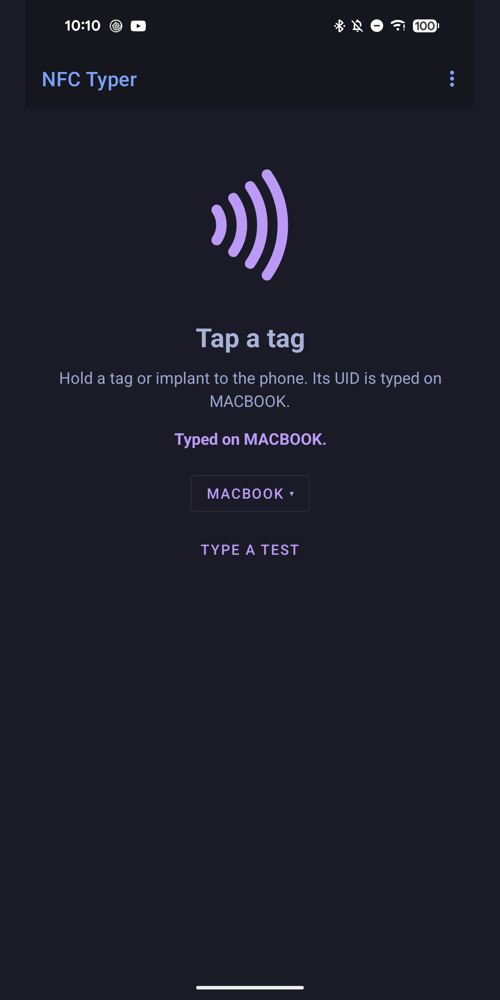
Hold an NFC tag, card or implant to your phone, and its UID is typed on your computer, as if you had typed it on a keyboard: like a desktop NFC reader that types what it reads, but it's the phone you already carry.
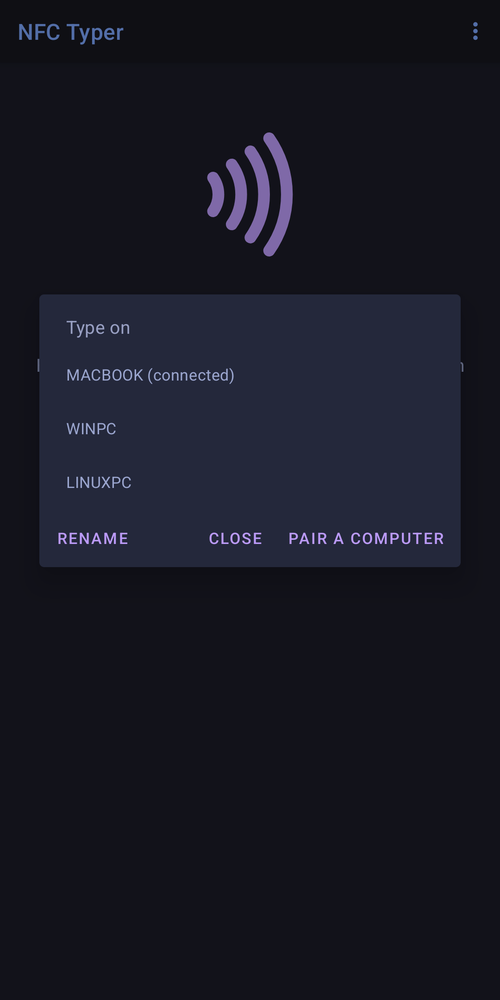
The phone is a standard Bluetooth keyboard for your computer: nothing to install, no drivers. Type into any app: a spreadsheet, a login field, an inventory system, a terminal.
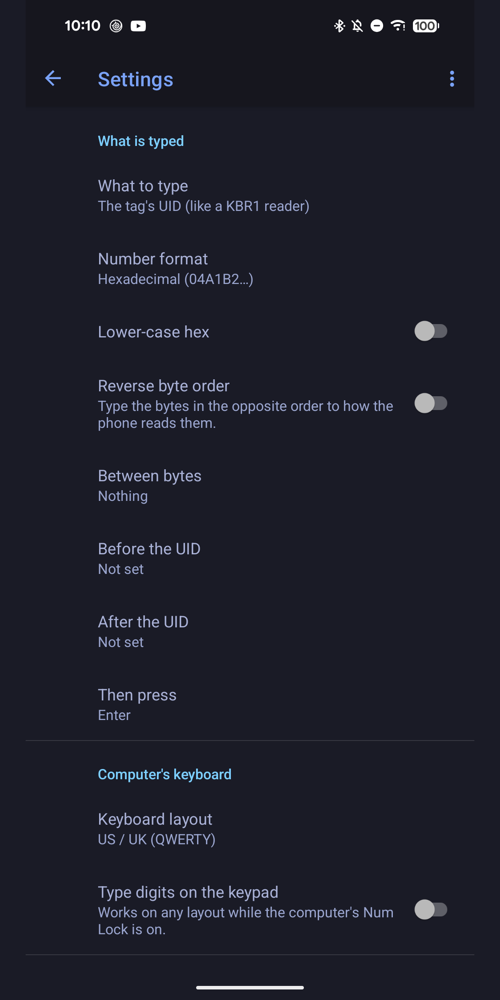
What it does
- Types the tag's UID, the text or link stored on it, or the UID then the text
- Hex or decimal, upper or lower case, either byte order, separators, your own prefix and suffix
- Then Enter, Tab or nothing; US, French (AZERTY) and German (QWERTZ) keyboard layouts
- Type a test: check the computer and layout without a tag
- Bluetooth LE keyboard: it can share the phone with apps that use classic Bluetooth
What you need
- An Android phone with NFC and Bluetooth (Android 13 or later)
- A computer that accepts Bluetooth keyboards
- NFC tags the phone can read (125 kHz tags can't be read by phones)
A UID is not a password: anyone who can read your tag can copy it.
Privacy: no internet permission, no accounts, no tracking. Read the NFC Typer privacy policy. Questions: appsupport@qtco.ms.