
Secure NDEF Filesystem
Your backup codes. On your body.
In testing; coming soon to Google Play. Privacy policy Terms of Service
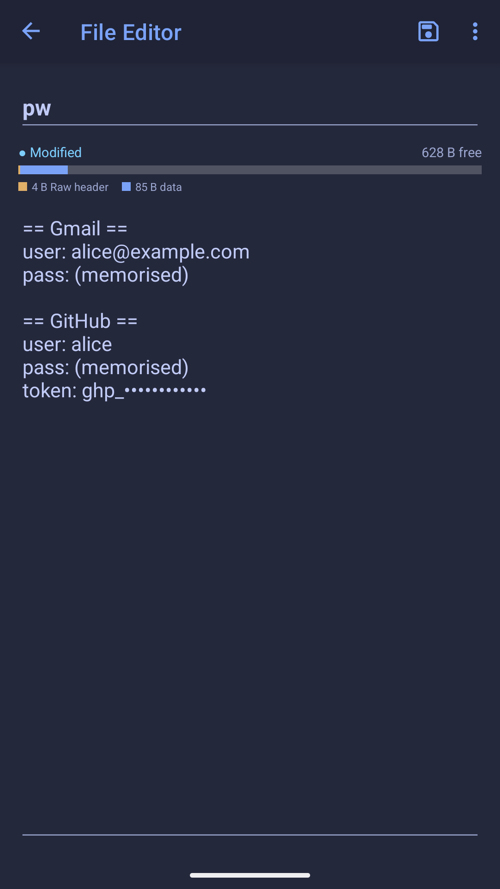
Keep your most important secrets on a physical NFC tag: a card, a keychain fob, or a subdermal implant. Store 2FA backup codes, recovery phrases or private notes as small files, encrypted with your password and, if you like, your phone's security hardware.
Only someone with both the tag and the password can read them. Decrypted files exist only in memory while the app is open.
What it does
- Up to three layers of encryption: your password (AES-256, PBKDF2), the phone's TEE, and StrongBox
- Optional fingerprint or face check for each hardware layer
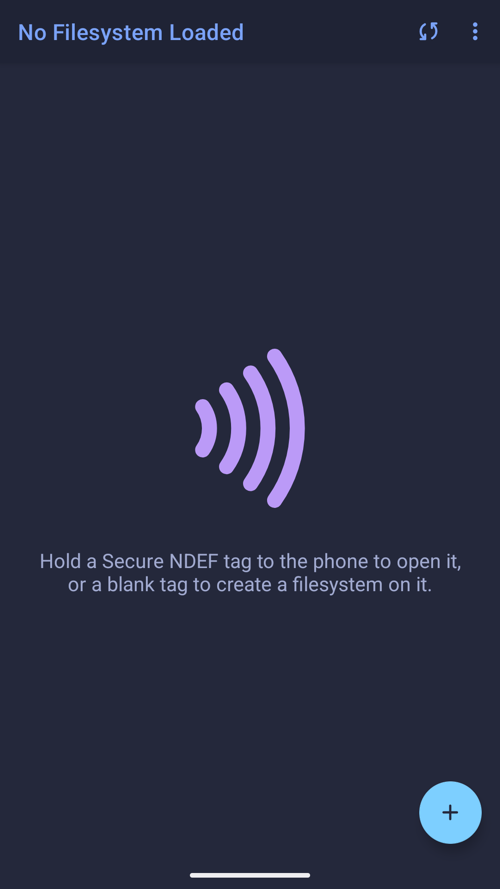
- Hold a blank tag to the phone: the app reads its type and size and sets up a filesystem
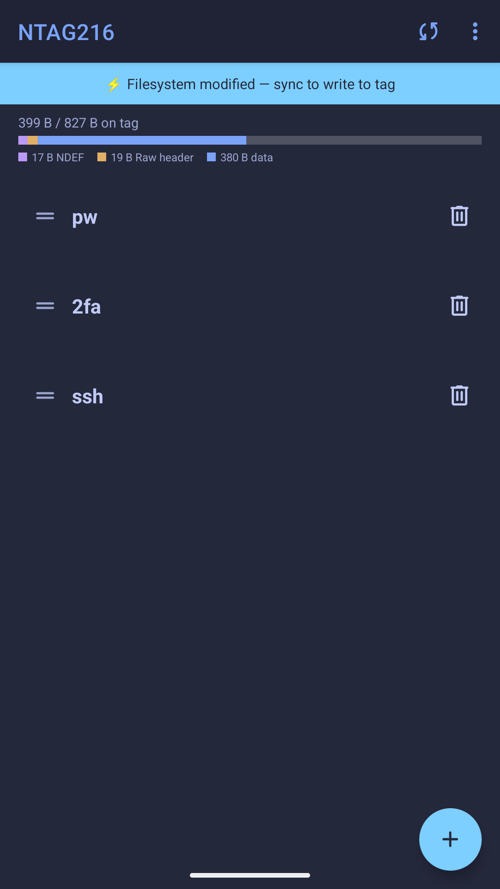
- Files are compressed to fit more on small tags; a space bar shows exactly what's used
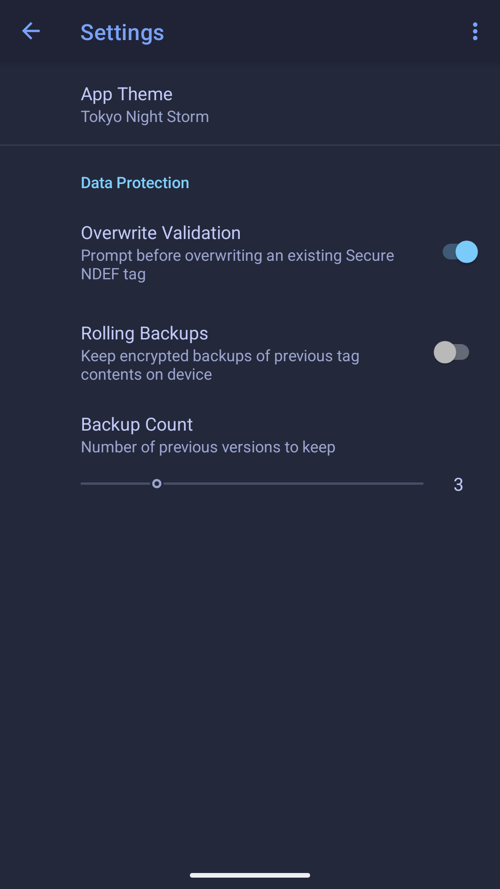
- Overwrite protection, optional encrypted rolling backups on the phone, three wipe modes
- Screenshots and recent-app previews blocked; the clipboard is never read
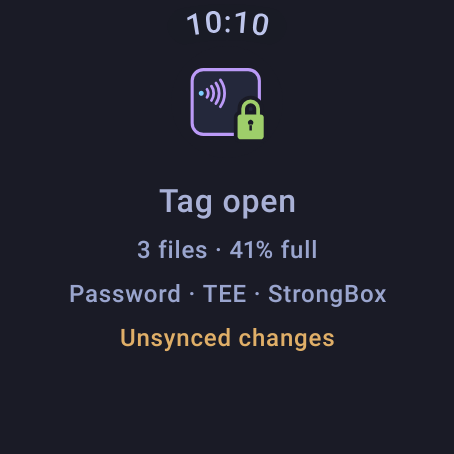
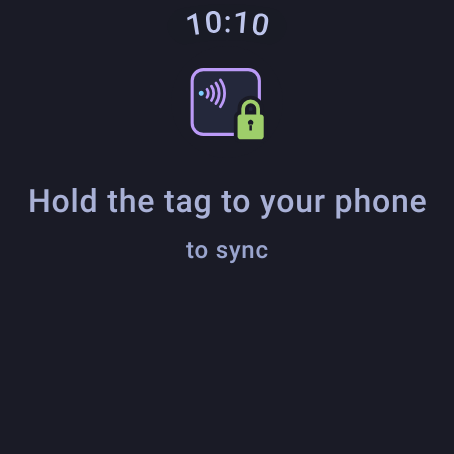
- Wear OS companion: see whether the tag is open and in sync
What you need
- An Android phone with NFC (Android 13 or later)
- An NDEF-capable NFC tag or implant, e.g. NTAG215 or NTAG216, NTAG 424 DNA, MIFARE DESFire, ICODE SLIX2, or an implant such as the xNT, xSIID or NeXT
On your watch
Your password can't be recovered, and hardware keys exist only on the phone that made them: that is what the encryption is for.
Privacy: no internet permission, no accounts, no tracking. Read the Secure NDEF Filesystem privacy policy. Questions: appsupport@qtco.ms.